
Live GPS tracking
Know where your vehicles and assets are, and what they’re doing.

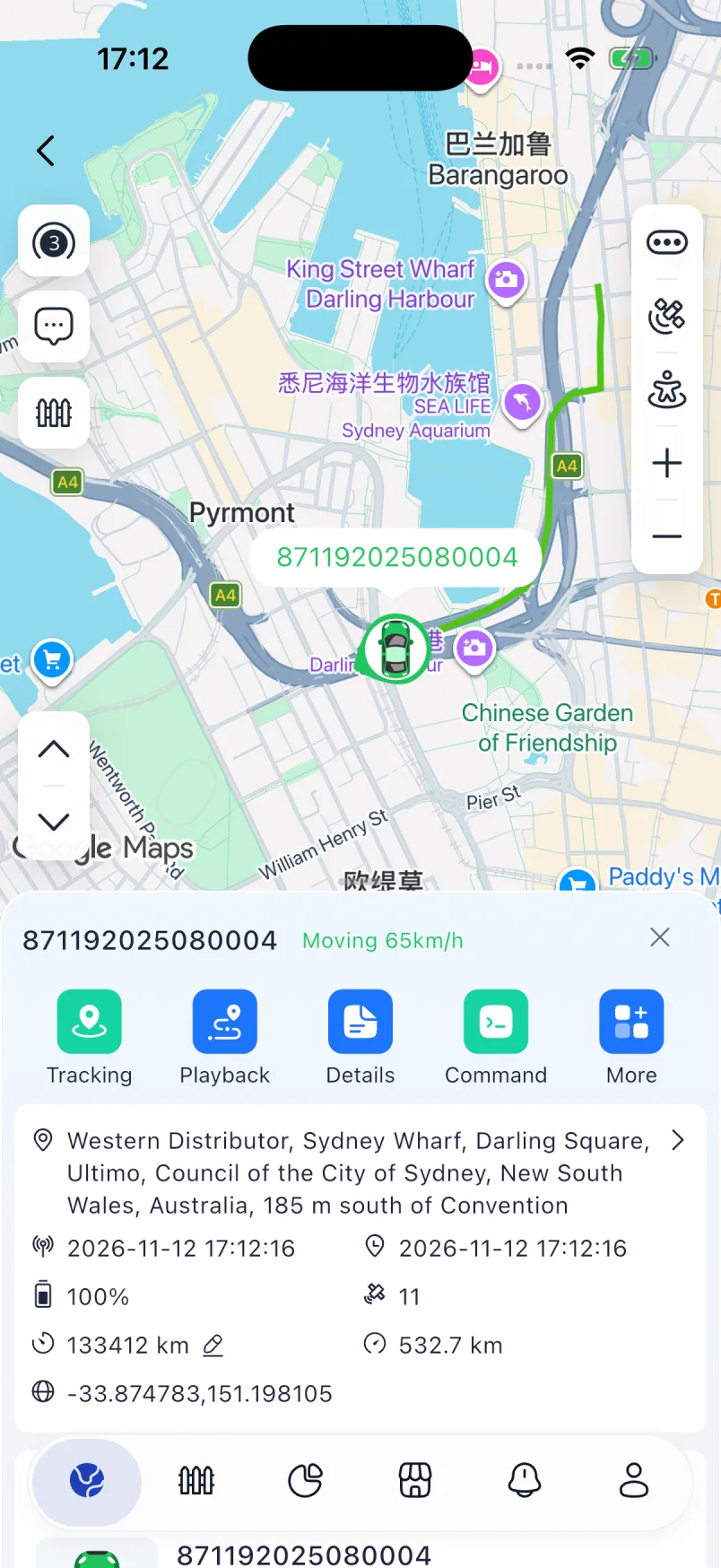
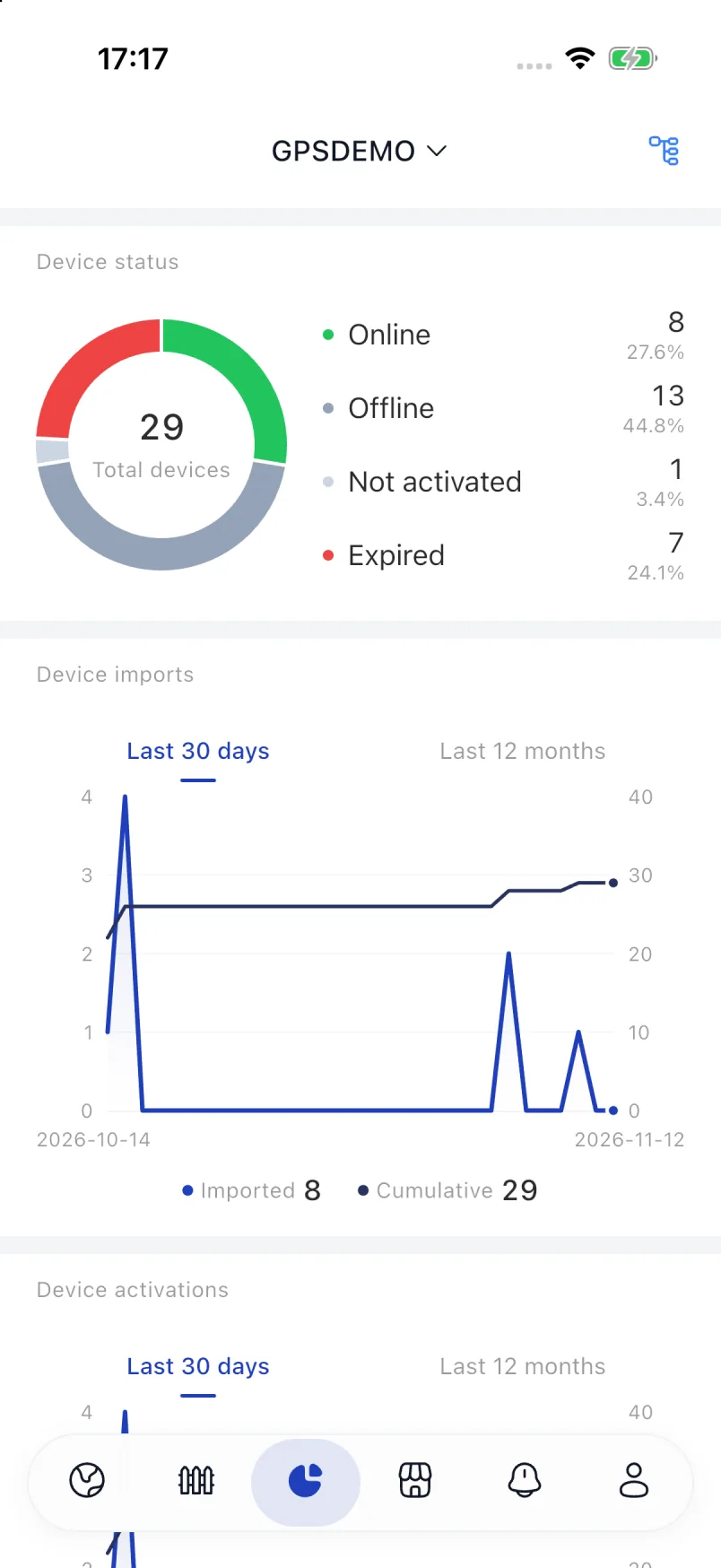
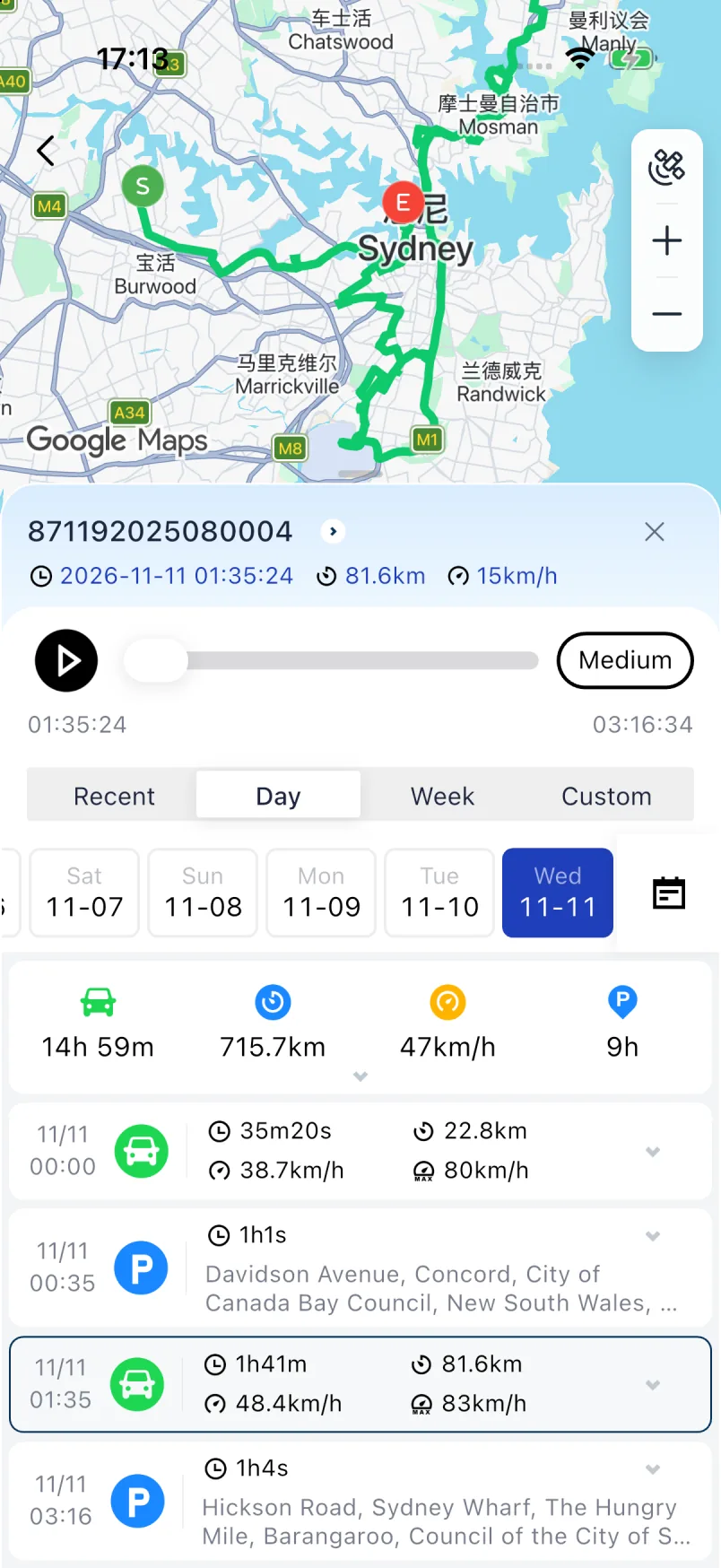
Work doesn’t stop when you leave your desk. Check locations, replay routes, and review alerts — wherever you are.


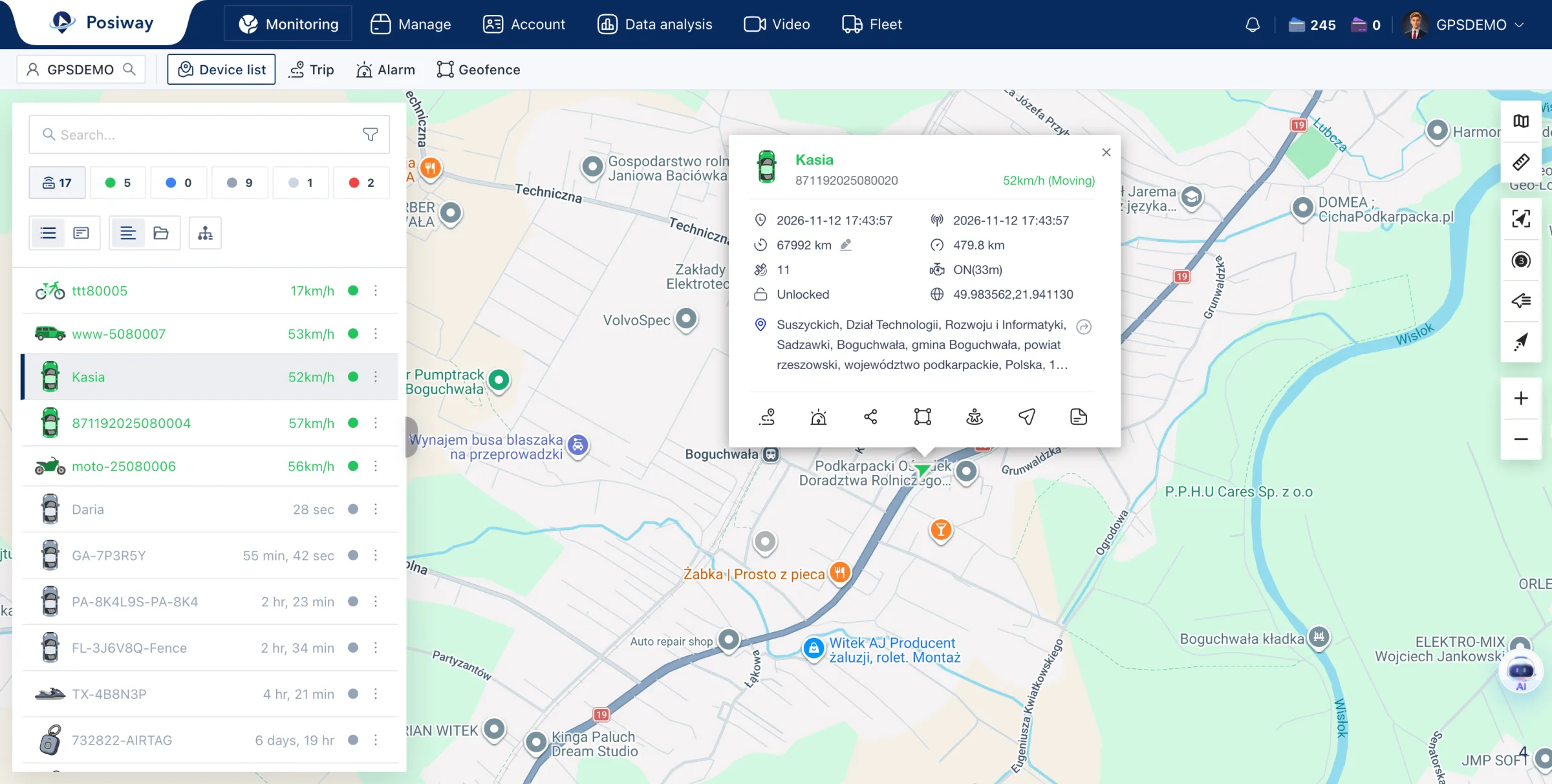
A GPS tracking workspace that brings live locations, route history, alerts, and reports together. Monitor vehicles and investigate events without leaving the map.
Know where your vehicles and assets are, and what they’re doing.
Replay every journey. Review stops, distance, and time on the road.
Stay informed about geofences, unusual movement, and device events.
Bring trips, mileage, and device activity into your daily decisions.
 Your brand
Local preview only. Images stay in your browser; no domain is connected.
DEVICE COMPATIBILITY
Connect devices from leading GPS hardware brands in one platform. Keep the hardware that works for your business, without managing separate tracking systems.
View all supported devicesContact us. We’ll add support within one week. Share the model, protocol documentation, and test access so our team can get started.
Request device integration →











Featured brands. Available data and commands vary by model and firmware.
ENGINEERED FOR GPS WORKLOADS
Every device adds a continuous stream of locations. As your fleet grows, live tracking must stay responsive while route history keeps accumulating.
Posiway separates device ingestion, event processing, storage, and service delivery to improve server stability and reduce server and storage costs compared with traditional tracking platforms.

Device connections, event rules, and application requests have different processing needs. Dedicated gateway, event-processing, and service layers separate these responsibilities instead of combining them in one processing path.
A live map needs the latest device state, not a search through months of journeys. Redis provides fast access to current state, while time-series and historical storage handle track records. Routine status reads put less pressure on historical storage.
Current state, historical tracks, and cold backups serve different purposes. A tiered storage design lets the deployment match storage resources to access frequency and retention needs, rather than treating every retained record as live data.
Actual resource savings depend on device reporting frequency, query volume, retention policies, and infrastructure configuration.
LOCAL DEPLOYMENT
Run Posiway in your own environment, with control over where tracking data is stored and how long it is retained. Bring the same separation of live processing, historical storage, and service delivery to your local deployment.
Plan your deploymentOur team reviews these requirements with you before recommending a deployment configuration.
SUPPORT THAT MOVES YOU FORWARD
Work directly with our team on device integration, deployment planning, and product feedback — from your first evaluation to everyday operations.
Talk to our teamIf your device isn’t supported, contact us. Our team will work with you to add support within one week and help you prepare for rollout.
Have a specialized workflow or a product suggestion? Share it with us. We evaluate feasibility and business value, then discuss whether and how we can support it. Implementation scope and timing are confirmed after review.
We help assess your deployment requirements and configuration, whether you use our hosted platform or deploy on your own infrastructure.
Devices, branding, deployment and getting started with Posiway.
Tell us which devices you use and what you need to track. Include any software you want to connect.
support@posiway.comTalk to us on WhatsAppA white-label GPS tracking platform lets you offer vehicle and asset tracking under your own brand without building the underlying software. Posiway combines live monitoring, route history, alerts, reports, customer accounts, REST APIs, and webhooks in one platform.
Explore the white-label platformPosiway supports over 1,000 GPS device models across leading hardware brands. If your model is not yet supported, contact us and we will add support within one week. Share the model, protocol documentation, and test access to get started. Available sensor data and remote commands vary by model and firmware.
Check supported devicesYes. Posiway supports local deployment on your own infrastructure. Its optimized architecture improves server stability and reduces server and storage costs compared with traditional tracking architectures. Actual results depend on device volume, reporting frequency, data retention, and infrastructure configuration. Contact our team to discuss your deployment requirements.
Discuss local deploymentYes. We welcome specialized requirements and product suggestions. Our team evaluates technical feasibility and business value before deciding whether and how to support a request. Scope and delivery timing are confirmed after review; submitting a request does not guarantee implementation.
Share your requirementsThe Posiway app is available on the Apple App Store for iOS and Google Play for Android. Use your Posiway account to access your devices, live locations, route history, and alarms. Request a 30-day free trial if you need an account.
Download the Posiway appYes. Layered organizations and permissions separate headquarters, agencies, and end customers. Devices and data access are assigned to the accounts that manage them, so you can run a multi-customer tracking service from one platform.
REST APIs connect tracking data to ERP, CRM, dispatch, and customer applications. Signed webhooks deliver alarm events with retry support. The developer documentation covers authentication, HMAC-SHA256 verification, idempotency, and receiver responses.
Explore APIs and webhooksStart by requesting a 30-day free trial with your email or WhatsApp number. Company, intended use, and device count are optional. Our team will help arrange trial access and confirm device compatibility, deployment scope, and pricing for your needs.
Try it freeIf you currently use Wialon, Traccar, GPSWOX, WhatsGPS, IOPGPS, Tracksolid or Protrack, start with your device models, protocols and permission to change their server settings. The app or platform name alone does not establish compatibility. Device connectivity, required workflows and historical data transfer need separate assessment before you change a live deployment.
Discuss your current setupFor hardware such as SinoTrack or Meitrack, compatibility needs to be confirmed for the exact model, firmware and required features. If your data workflow involves flespi, first identify the data direction, payload and receiving interface; do not assume a native connector is available. Share your hardware details and integration requirements before making configuration changes.
Check your requirementsSee your devices on the map. Explore route history, alerts, and the mobile app. Leave your email or WhatsApp number and our team will help you arrange your 30-day free trial.
Try it free